Skip to content
Free Preview

How it works

How your document goes from idea to PDF.

No Word. No formatting.
Just choose, fill, preview, download.

Animated workflow

  1. Document
  2. Fill
  3. Live Preview
  4. PDF
Invoice
Receipt
Salary

Two ways to create

Choose your workflow

Large visual cards — pick ready-made documents or build your own form.

Ready-made documents

Professional layouts for everyday paperwork.

  • Invoices
  • Receipts
  • Salary Slips
  • Certificates

Estimated time · 2 min

Start creating

Build your own form

Collect answers, then generate a clean PDF for ops and HR.

  • Inspection
  • Joining Form
  • Visitor Log
  • Checklist

Estimated time · 5 min

Create form

Interactive workflow

Click a step. See what happens.

The right panel updates so the flow is visual — not a wall of text.

Choose

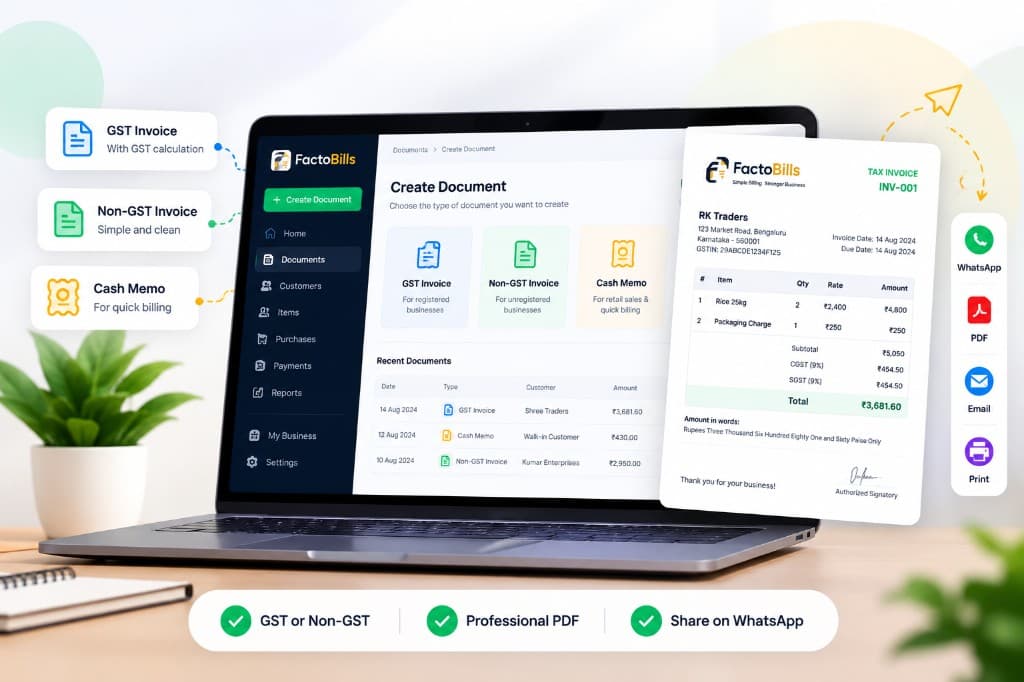
GST Invoice

Salary Slip

Inspection

Receipt

Split-screen demo

Fill left. Document updates right.

Fill form

  • Company

  • Invoice no.

  • Amount

PDF preview

Updating

TAX INVOICE

Your company

Invoice no.

Grand total₹0.00
InvoiceGSTReceipt

Create vs Custom Forms

Which one should I use?

Need an invoice?

Use Create

  • Ready-made layouts
  • About 2 minutes
  • Professional PDF output
Browse documents

Need a checklist?

Use Custom Forms

  • Collect answers from your team
  • Generate a PDF from submissions
  • Built for ops, HR, and site work
Open Custom Forms

Behind the scenes

What happens while you work

01

Layout engine

Sections stay aligned for print — you never drag text boxes.

02

Live HTML preview

Instant feedback while typing. PDF is generated only on download.

03

Credits & samples

Preview free. Sample PDFs are watermarked. Clean PDFs use credits.

Business workflow

More than a generator

Profiles, customers, Create, and My Documents work together as one ecosystem.

  1. Business Profile
  2. Customer Directory
  3. Template
  4. Preview
  5. PDF
  6. Saved Document
  7. Reuse

After download

What happens next

Download is not the end — saved documents turn FactoBills into a workspace.

  1. Create
  2. Download
  3. Saved
  4. Reuse
  5. Duplicate
  6. Edit
  7. Share

Live demo

Try it yourself

Type a company name — watch the preview update instantly.

This is a lightweight demo — open a real document for the full editor.

Open GST Invoice

Live preview

Your company

Tax Invoice · Preview

Amount₹0

Why it's faster

Word vs FactoBills

Word / Docs

~40 min

  • Manual formatting
  • Easy to introduce errors
  • Copy-paste every time

FactoBills

~3 min

  • Live preview
  • Reusable profiles
  • Professional PDF

FAQ

Common questions

Do I need an account to preview?+

No. You can open any document, fill fields, and watch the live preview without signing up. An account is needed for clean PDF downloads, My Documents, and Custom Forms.

What’s the difference between Create and Custom Forms?+

Create has ready-made business documents (invoices, receipts, salary slips). Custom Forms lets you build your own structured checklists and registers, collect submissions, and export PDFs.

Is the sample PDF free?+

Yes. Watermarked sample downloads are free within the site-wide sample limit. Clean, print-ready PDFs use credits.

Can I reuse a document later?+

Yes. Sign in to save drafts, attach My Business details, duplicate documents, and autofill customers or suppliers next time.

Ready to create your first document?

Start with a ready-made document — or build a form for how your team works.

Prefer reading? Open the customer guide